
One browser link for the room
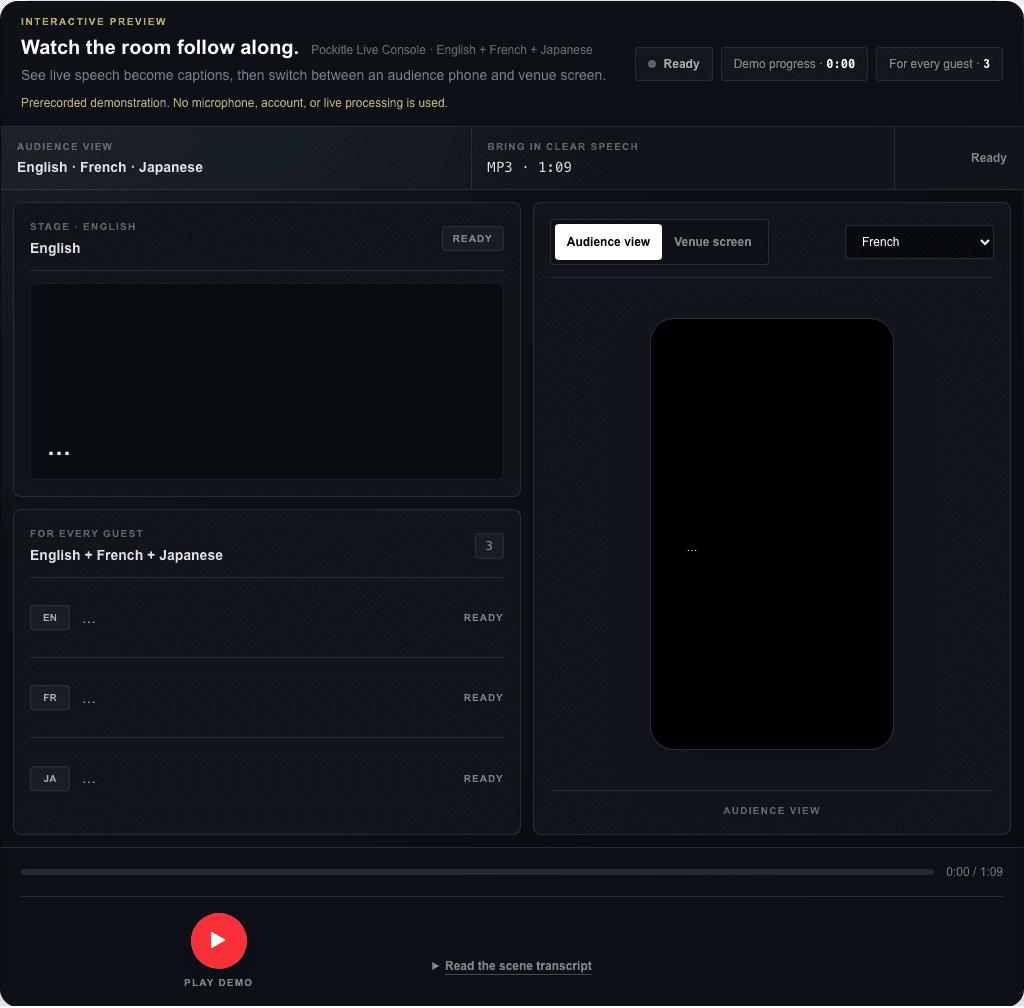
Audience members scan the code, open the page in their phone browser, and choose from the caption languages prepared for that event. They do not need to install an app or create an operator account.
Pockitle QR code live captions
Make it easy for the audience to follow with Pockitle QR code live captions: one spoken source language becomes original captions and up to three translations, then one scan opens them in the phone browser. No audience app is required.
Audience entry
A QR code is only a convenient route to the audience page. The useful work still depends on one correctly selected spoken language, a clear dialogue feed, tested outputs, visible signage, and a fallback the front-of-house team understands.
Audience-phone workflow
Audience members scan the code, open the page in their phone browser, and choose from the caption languages prepared for that event. They do not need to install an app or create an operator account.
A venue screen can show one selected language while phones offer personal language choice. Plan both routes when a phone is not suitable for every audience member.
Place the QR code where people can enter before the event begins, and include a short manual URL. Test the printed code at its real size and viewing distance.
Explore Pockitle
Related planning
No. The QR code opens the Pockitle audience page in a mobile browser.
Each audience member can choose from the original captions and any translations selected for that event.
No offline audience-phone service is promised. Test the audience network and prepare another reading or communication route.
Yes. Each venue screen can show one selected caption language while phones retain personal language choice.