
Follow the event as it happens
Pockitle Live is designed for live talks, panels, workshops, lectures, tours, ceremonies, speeches, and community events. It does not require a prepared transcript or slide-based caption deck.
Pockitle Live captions for events
Help every voice reach the room with Pockitle Live captions for events: turn the prepared spoken event languages into original captions and up to 10 translations (depending on plan) while the event is happening.
Audience entry
A clear dialogue feed matters more than the QR code. Prepare the spoken languages within your plan allowance, test the actual microphone or mixer route, and check every promised output before people arrive.
Event workflow
Pockitle Live is designed for live talks, panels, workshops, lectures, tours, ceremonies, speeches, and community events. It does not require a prepared transcript or slide-based caption deck.
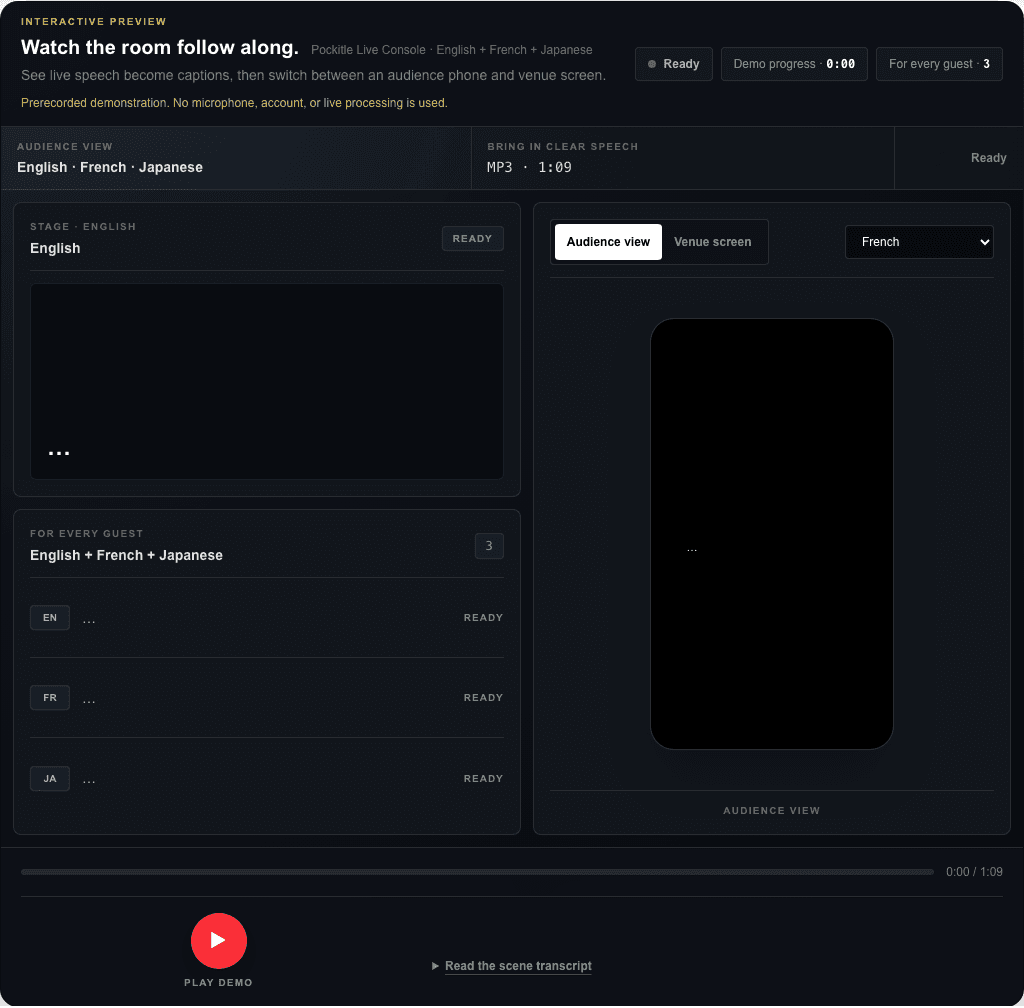
Audience members open one link in their phone browser and choose an available language. A venue screen can show one selected language for the room. No audience app is required.
Room microphones can capture applause, music, reflections, and audience speech. A controlled dialogue feed is the safer choice when the venue can provide one.
Explore Pockitle
See the product workflow before planning a specific event.
See the theatre-specific boundary between prepared cues and live speech.
Understand prepared spoken languages and up to 10 translations (depending on plan).
Compare spoken source languages with translated caption outputs.
Related planning
Pockitle Live can fit talks, panels, workshops, lectures, tours, ceremonies, and other speech-led events using prepared spoken languages.
No. The audience opens a link or QR code in a mobile browser and chooses an available caption language.
Yes. Audience phones can choose from the available languages, while each venue screen is assigned one selected caption language.
No. Pockitle Live publishes machine-generated live captions. They can be delayed or wrong, so the audience promise and fallback plan should reflect that.