
Each audience member chooses one
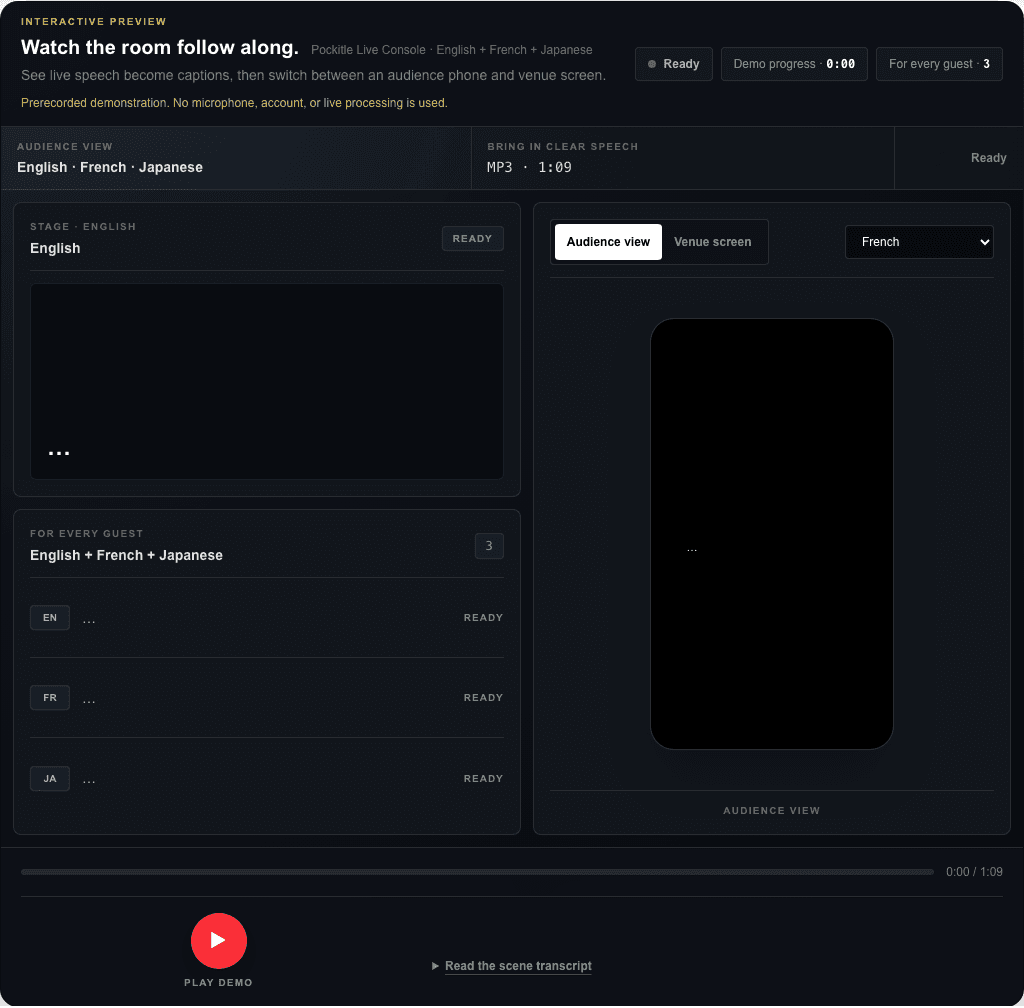
The audience enters through one link, sees the available caption languages, and chooses the one they want to read. Each venue screen is assigned one selected output language.
Pockitle Live multilingual captions
Reach more people with Pockitle Live multilingual captions: turn the prepared spoken languages into original captions and up to 10 live translations (depending on plan) for audience phones and venue screens.
Language model
Prepare an ordered selection of spoken languages for microphone input before the run (Free: 1 · Lite: 2 · Pro: 3 · Pro+: 5); the first is primary. Pockitle Live creates original captions and can add up to 10 translated caption outputs (depending on plan). The prepared set stays fixed for the run; it does not support languages outside that set. Text and stenotype input use one selected source language.
Language workflow
The audience enters through one link, sees the available caption languages, and chooses the one they want to read. Each venue screen is assigned one selected output language.
Pockitle Live delivers written captions. It does not create translated speech, replace an interpreter, or turn machine translation into reviewed publication text.
Names, numbers, specialised vocabulary, overlap, and poor sound can produce errors. Test every selected language and tell the audience that captions may be delayed or wrong.
Related planning
Promise only the languages the event can test and support.
Share infrastructure without treating translation and access as identical services.
Set the source, outputs, stage input, duration, and credit boundary.
Every run includes the original-language captions and can add up to 10 translated caption languages (depending on plan).
Yes. Microphone input can use the spoken languages prepared within your plan allowance (Free: 1 · Lite: 2 · Pro: 3 · Pro+: 5). The first is primary; languages outside the prepared set are not supported during that run. Text and stenotype input still use one selected source language.
Yes. Each screen is assigned one selected output language.
No. They are machine-generated during the event and can be delayed or wrong. Use prepared, human-reviewed subtitles when the production requires approved wording.